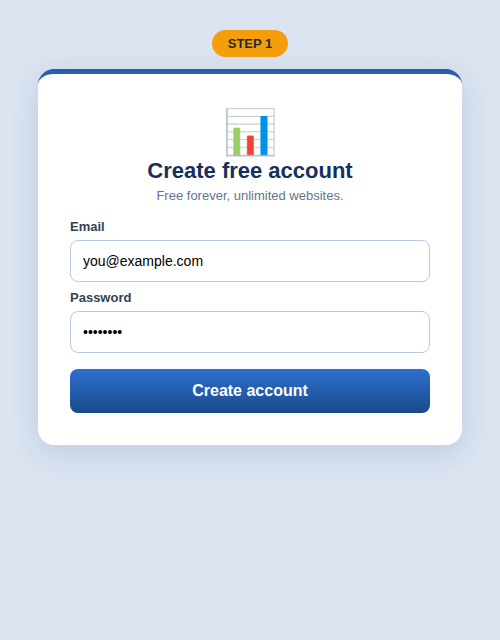
Create your free account
Go to the homepage, enter your email and a password (min 6 characters), and click Create account. That's it — no credit card, no email verification needed.
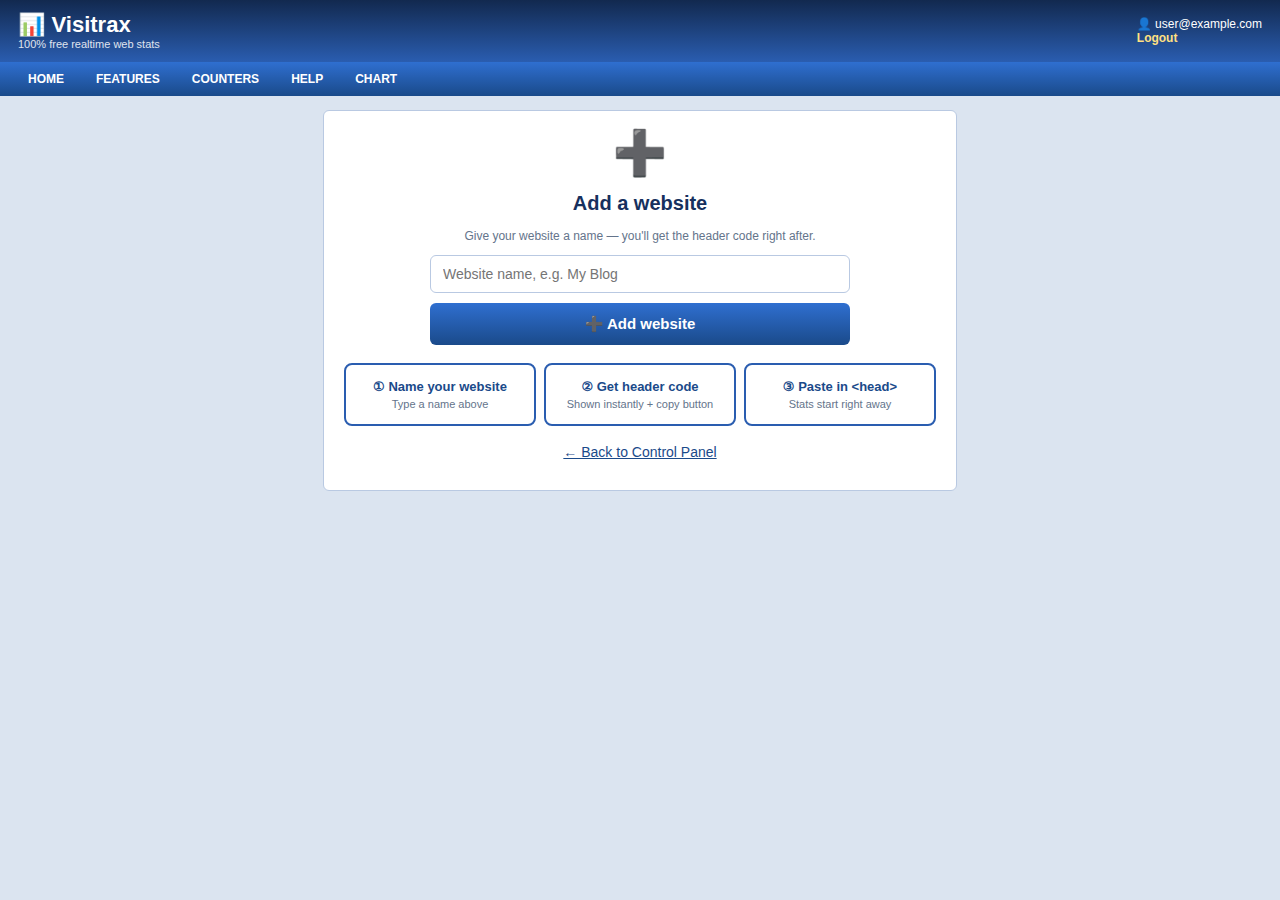
Add your website
After login you'll see the Control Panel. Click the big ➕ Add a website button at the top, type your website's name (e.g. My Blog), and click Add website.
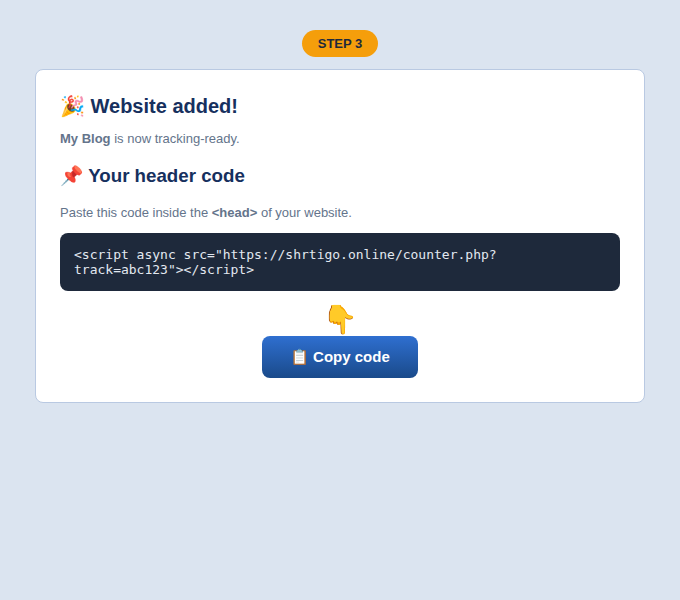
Copy your counter code
Right after adding, you'll see your personal header code — a small invisible script made just for your website. Click 📋 Copy code.
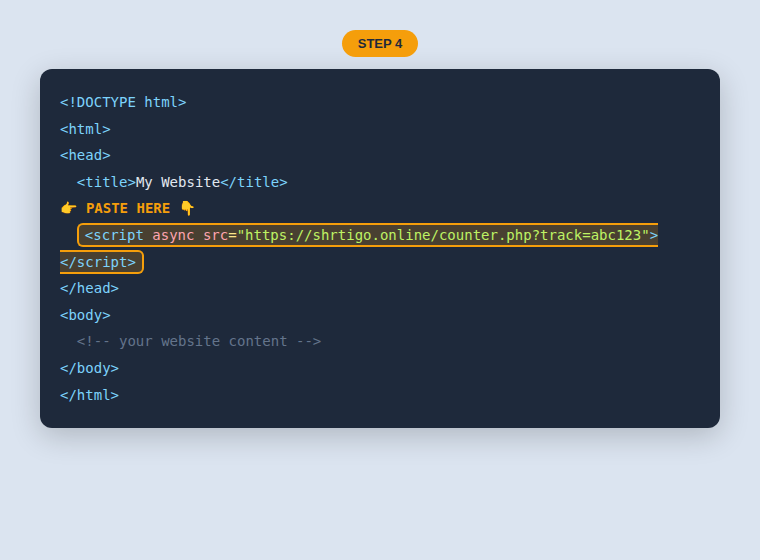
Paste it in your website's <head>
Open your website's HTML and paste the code inside the <head> section, like this:
Watch your stats grow! 🎉
Open your website in a browser, then check your Visitrax stats page. You'll see 🔴 live visitors, 🌍 countries, 📈 charts, 🔗 traffic sources and more — updating in realtime.
❓ Frequently asked questions
Is Visitrax really free?
Yes — 100% free, unlimited websites, no premium tier. We may show our own small ads on the panel pages in the future to keep the service running, but tracking is and stays free.
Will the counter slow down my website?
No. The code loads with async, so it never blocks your page. It's tiny and invisible.
Do visitors see anything?
Nothing. The counter is completely invisible — no badge, no image, no popup.
Can I track multiple websites?
Yes! Add unlimited websites — each gets its own code and its own stats page.
I lost my counter code. What now?
Log in → click your website → click 📋 Get code. Your code never changes.
How do I see which country visitors come from?
Open your website's stats → 🌍 Top countries section shows flags and bars. The 🔴 Live visitors feed shows each visitor's country live.